MIDI
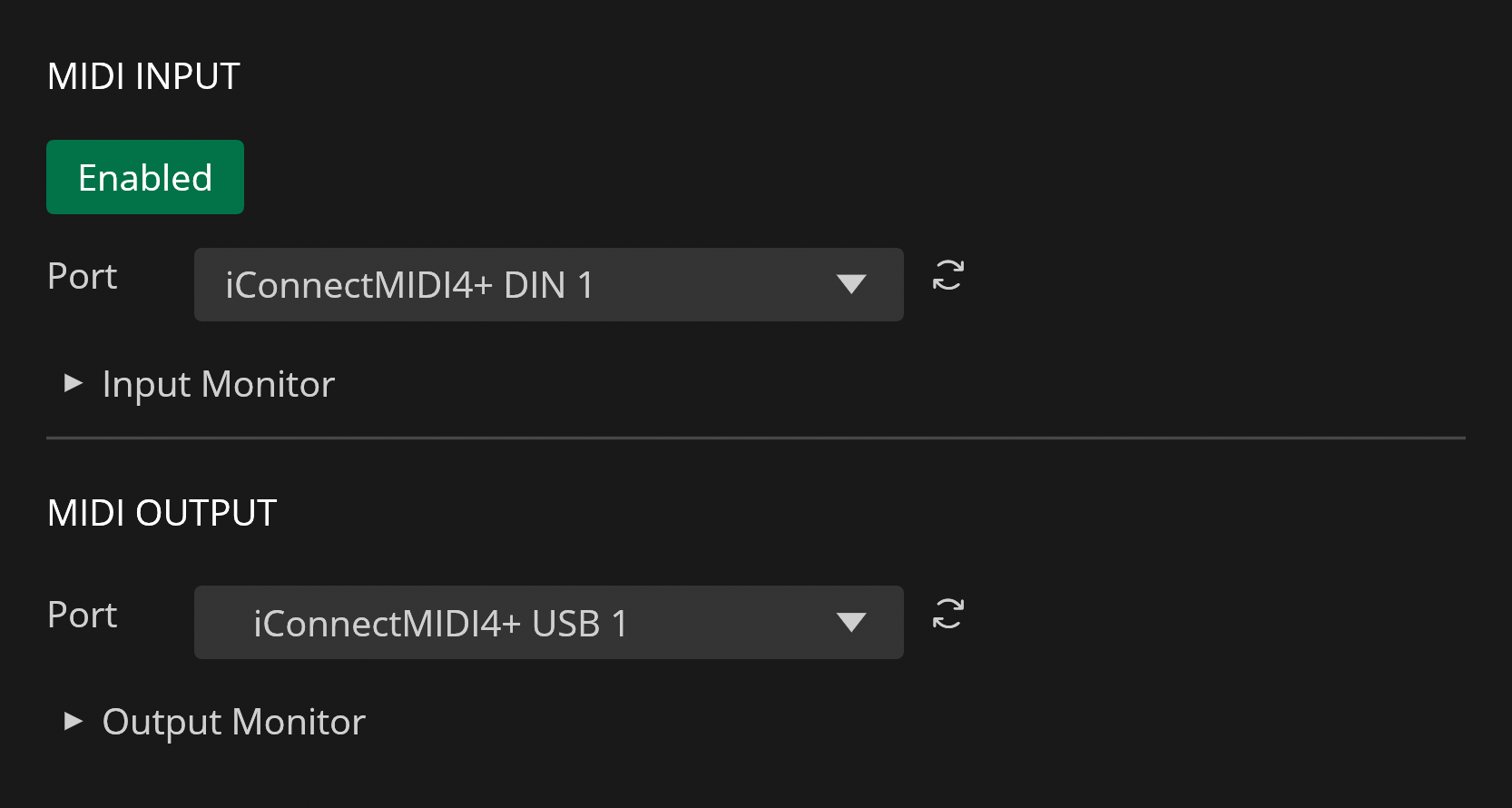
Recorte includes MIDI input and output support that can be set up via Settings.
MIDI Input
Recorte supports MIDI input from the selected MIDI Input port (in Setting's MIDI tab), allowing received MIDI notes to play the active file similarly to a sampler.
Upon receiving a MIDI note, Recorte uses the incoming pitch and velocity to control playback rate (pitch) and volume, generating PlayMIDI actions based on these rules:
- Selection: Plays the selected range, transposed via MIDI.
- Region Selected: Only plays the selected region, transposed according to the MIDI note.
- Regions Present (None Selected): Regions are mapped across MIDI notes starting at C3, with each note triggering a different region.
- No Regions in Active File: Plays entire file.
- No Active File: No action occurs.
MIDI Output
The MIDI output port can also be selected from the Setting's MIDI tab and it's used to send MIDI notes when recording audio with the MIDI Recording Mode.